TikTok Shop Identity Verification Failed: How To Fix It Fast
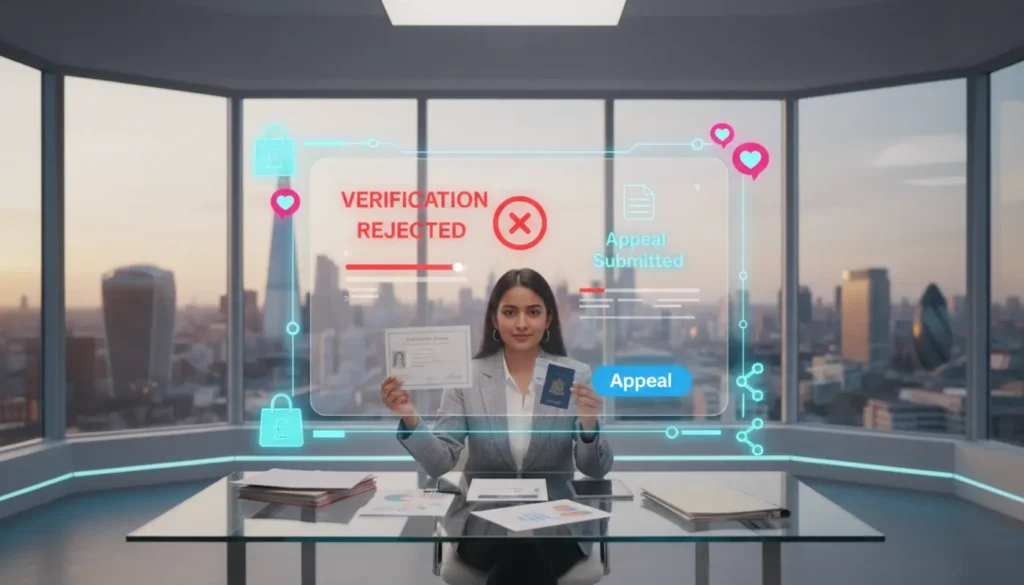
TikTok Shop identity verification failed? You are not the only one. It feels stressful when you are ready to launch and the system blocks you right at the final step.
If you are stuck, do not worry. Let me break this down in a simple and practical way so you can pass your next attempt without guessing.
At TSL Agency, we handle this every day through our TikTok Shop onboarding support. Most failures come from small technical mistakes, not serious compliance problems. Let’s get this sorted.
Why TikTok Shop Identity Verification Failed
If you are seeing TikTok Shop ID verification failed, it usually comes down to a few common issues.
TikTok runs automated checks on your ID image. It checks clarity, expiry date, information matching and sometimes facial recognition if a selfie is needed.
The most common reasons include:
- Blurry photo quality
- Glare or light reflections
- Expired ID
- Name mismatch
- Cropped edges
- Wrong person completing verification
- Shadows across details
If you are experiencing wider verification delays, take a look at our guide on TikTok Shop verification stuck on pending because in many cases identity checks are only one part of the delay.
Accepted ID Types For TikTok Shop Verification
For UK sellers, TikTok Shop accepts government issued photo ID. According to TikTok, your ID must be valid and not expired. You can see full details through TikTok’s identity verification guidance.
Accepted documents include:
UK Passport
UK Driving Licence
National ID Card where applicable
If you are unsure how this works, our guide on TikTok Shop for limited companies in the UK explains how director details must match records.
Why TikTok Rejects Passport Photos
This is one of the most common problems. You upload a valid passport and TikTok still rejects it.
What actually happens is the system cannot read your details properly. Even a small glare can impact your date of birth or passport number.
Common issues include:
Taking the photo at an angle
Holding the passport in your hand
Cropping the bottom scan zone
Flash reflection
Low quality camera
TikTok’s system scans your image. If any important detail is unclear, the system rejects it immediately.
Photo Requirements You May Be Missing
Your ID photo must follow simple but strict rules:
- Full document in view
- No cropped corners
- High quality colour photo
- No glare
- ID placed flat on a surface
- Plain background
- No shadows
Name And Director Mismatch Problems
If your photo is clear but TikTok still rejects you, check your name details.
Middle name on passport but not on form
Shortened first name
Spelling changes
If you run a limited company, the verified person must be a listed director. Anyone else will fail.
How to set up a TikTok Shop in the UK.
<pLet’s move forward on this with a simple plan.
Step 1: Check the rejection message
Look inside Seller Centre and read the exact reason.
Step 2: Check your details
Make sure your full legal name and date of birth match your ID.
Step 3: Retake your ID photo correctly
Flat surface, no glare, sharp image, full document.
Step 4: Upload the original image
Screenshots reduce clarity. Use the original photo.
Step 5: Complete any selfie request
Ensure your face and ID are both clear.
If you want help with the full process, our TikTok Shop Live Agency team can support you live.
Can Someone Else Complete Your Verification
Marketing manager ID
Partner or friend ID
Freelancer ID
How Many Attempts You Get
Does Verification Need To Match Business Name
Quick Checklist Before Resubmitting
- Valid unexpired ID
- Matching name
- Listed director
- Clear high quality photo
- No glare or shadows
- Full document visible
- Correct file format
Final Thoughts
Frequently Asked Questions
What ID types does TikTok Shop accept for identity verification?
UK passport, UK driving licence and valid national ID cards that are in date and clearly photographed.
Why did my passport fail TikTok Shop identity verification?
The most common issue is poor image quality such as glare or blur, not the passport itself.
Can someone other than the director complete identity verification?
No. The registered director or legal representative must complete the process.
What photo requirements must ID documents meet?
Your ID must be clear, not cropped, free from glare and fully visible.
How many times can I attempt identity verification?
You get several attempts but too many failures can push your account into manual review.
Does identity verification need to match the business name?
No. It must match the full name of the registered director, not the business name.