Wondering why your TikTok Shop verification is still pending? If the status has been stuck for days, you’re not the only one. Many new sellers face this delay when trying to get their shop live.
You’re prepared to sell, you have stock ready, and your content plan is set. Yet TikTok is still reviewing your documents and it feels like everything is paused. The real talk is this. Verification delays usually come from clear and fixable reasons. Once you understand what actually happens behind the scenes, you can sort it out properly or escalate it the right way.
What TikTok Shop Verification Pending Means
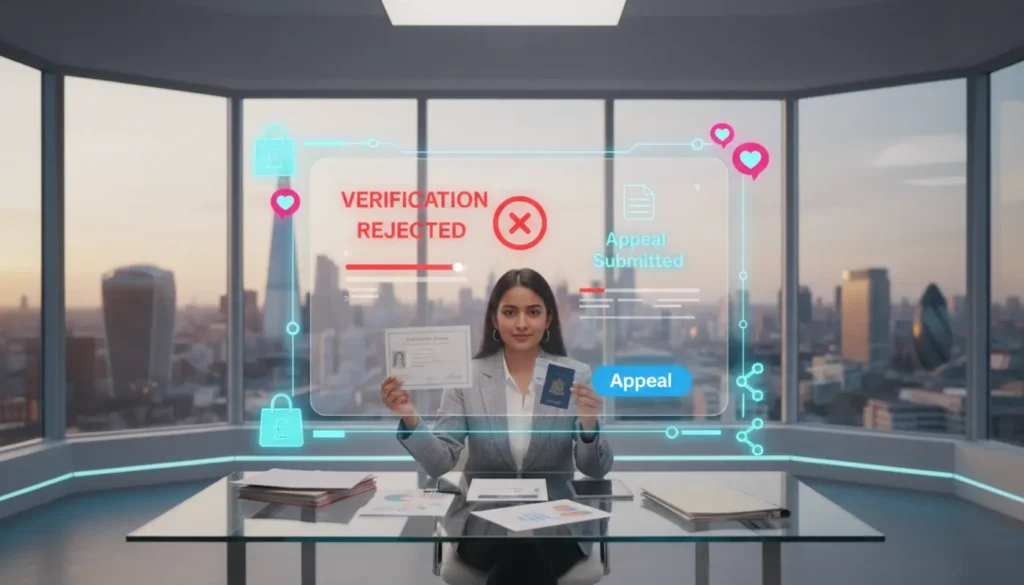
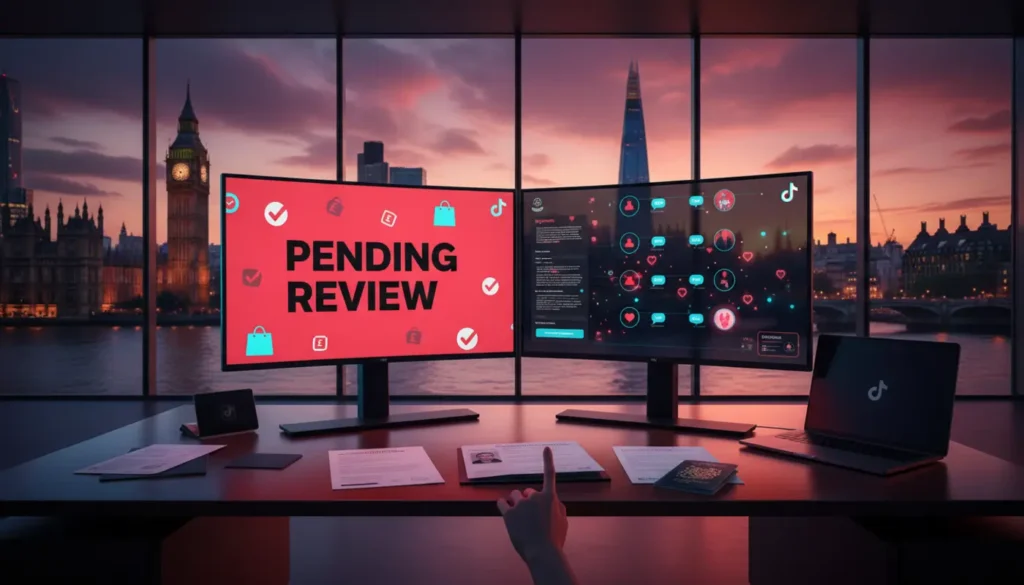
When your verification shows as pending in TikTok Seller Center, it means your documents are still being reviewed. This can be an automated check, a manual check, or a mix of both.
Most approvals take a few minutes up to 48 hours. The official TikTok Business verification guide states reviews can take up to two business days. If your status stays pending longer than that, you may be in a manual review queue.
Manual review often happens when:
- Details do not match
- ID photos are unclear
- Business KYC issues appear
- There is a high number of submissions
- Risk signals are triggered
- Your bank details do not match
- Your account needs reverification
Let me break this down for you.
Every Cause Of TikTok Shop Verification Pending
1. Document Mismatch Issues
This is the number one cause of delays. Your name, date of birth, or address must be exactly the same across:
- Your government ID
- Your seller account details
- Your business registration
- Your bank account information
Even small differences can trigger a manual review and slow things down.
2. Poor ID Photo Quality
Blurry images, dark lighting, glare, or cropped edges often cause verification delays. TikTok requires clear, full colour, unedited ID photos. If you uploaded a quick photo in poor light, this might be the reason your status is not moving.
3. Business KYC Checks
KYC means Know Your Customer. It is part of compliance checks to prevent fraud. For UK sellers, TikTok may cross check Companies House data, proof of address, and director details. New businesses or recently updated records often take longer to verify.
4. Bank Account Name Does Not Match
Your payout bank account must match your legal business name or your personal name depending on your seller type. If the bank details do not match your account information, verification will slow down.
5. High Manual Review Volume
During busy periods, TikTok receives a high number of new seller submissions. Your application may simply be waiting in a queue. This often happens after new platform updates or rule changes.
6. Reverification Or INFORM Act Checks
Some sellers are asked to verify again due to compliance updates. If you were previously approved and now see pending again, you may be going through a required reverification process.
7. Risk Or Security Flags
If your device, IP address, or account behaviour triggers automated fraud filters, TikTok may pause verification for extra checks. This does not mean you did something wrong, but the system wants certainty before approval.
How Long TikTok Shop Verification Pending Should Last
A simple guide is:
- Under 48 hours is normal
- 3 to 5 days often means manual review
- 7 days or more means you should take action
If your verification has been stuck for over a week, it is time to escalate.
Steps To Take Before Escalating
Before contacting support, tidy up everything on your side. This makes escalation faster.
1. Recheck All Details
Log into Seller Center and check that:
- Names match exactly
- Your address is written the same on all documents
- Your business registration information is correct
- Your bank account name aligns
Even small differences like Road and Rd can slow things down.
2. Review Your Uploaded Documents
Check the documents you submitted. Ask yourself:
- Is the image clear?
- Are all corners visible?
- Is anything expired?
- Is the lighting good?
If anything is unclear, prepare new copies.
3. Check Seller Center Notifications
Sometimes TikTok requests extra documents, but you may not get an email. Always check the in app inbox for updates.
How To Escalate TikTok Shop Verification Pending
Step 1 Contact In App Support
Inside Seller Center, use the Help or Report a Problem section. Select verification status issues. Keep your message clear:
- Your Seller ID
- Date you submitted verification
- Documents you uploaded
- A screenshot of your current status
This helps the support team process your case faster.
Step 2 Attach Clear Documents
Attach your ID or business documents again in the support ticket, even if you already uploaded them earlier. This makes it easier for reviewers.
Step 3 Follow Up After 48 Hours
If you don’t hear back within two business days, reply to the same ticket. Don’t open a new one because that can put you back to the end of the queue. Organised follow up works better.
How To Prevent TikTok Shop Verification Delays
If you’re just starting out, preparing correctly avoids most problems. At TSL Agency, we see common mistakes across many new seller accounts.
Practical Prevention Checklist
- Match your name across all documents
- Use clear colour scans
- Keep trading details consistent
- Make sure your bank account name matches
- Submit recent proof of address
- Use a stable IP address when registering
- Complete your profile fully
If you’re unsure about the setup, structured TikTok Shop onboarding support can save you weeks of waiting. You can also check our wider resources at TikTok Shop Live Agency resources.
Why New Sellers Struggle With Verification
Many new sellers rush the registration stage. TikTok is now a regulated ecommerce platform, not just a social app. That means identity checks, business KYC, and payout rules must be followed.
What actually happens is small errors build up. A slightly different address, a mismatch in bank details, unclear ID photos, and the system pauses your application for review. The good news is this can be fixed with a structured approach.
When You Should Get Extra Help
You may want support if:
- Your verification is stuck for over 7 days
- You keep getting mismatch errors
- You are unsure about your business setup
- You face reverification issues
- You manage more than one seller account
A TikTok Shop Live Agency like TSLA understands how internal reviews work and how to present documents correctly the first time.
Frequently Asked Questions
How long does TikTok Shop verification usually take?
Most approvals take 24 to 48 hours. If it takes longer than a week, escalate.
Why is my TikTok Shop verification pending without a message?
This often means manual review or high submission volume. Check your Seller Center notifications to see if TikTok asked for more documents.
Can I resubmit documents while my status is pending?
You usually cannot resubmit unless TikTok asks. Instead, prepare clearer documents and attach them when contacting support.
Does my bank account name need to match?
Yes. The bank name must match your legal or personal name. Even small differences can delay verification.
What if my verification failed before?
You can try again through reverification. Make sure all details match before you submit.
If your TikTok Shop verification pending status is slowing your launch, take a structured approach. Fix what you can, escalate the right way, and stay organised.
Once you clear verification, you can focus on what matters. Building your brand, selling your products, and scaling with confidence. Let’s get this sorted.