How To Multistream Live Shopping To Social Media
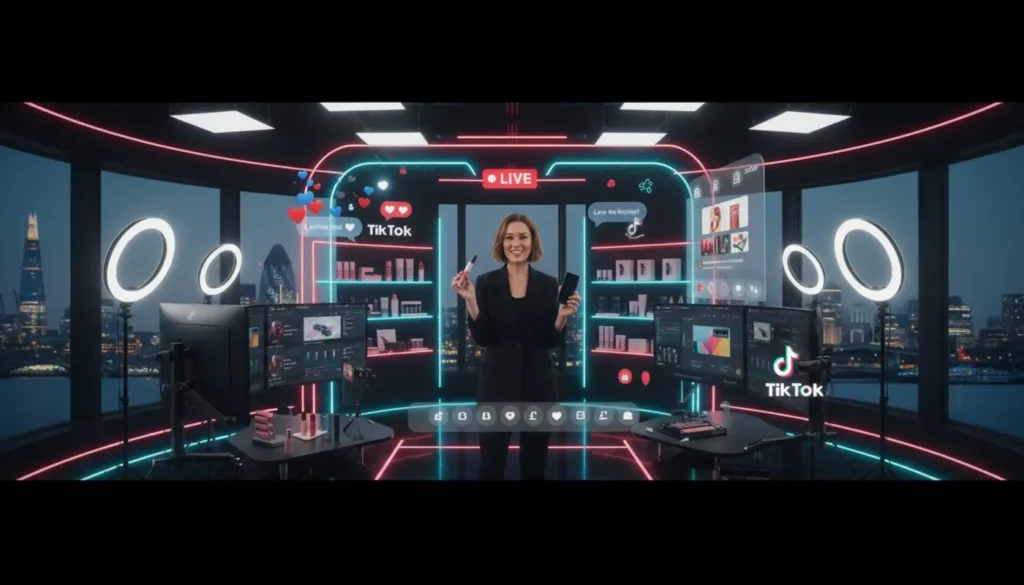
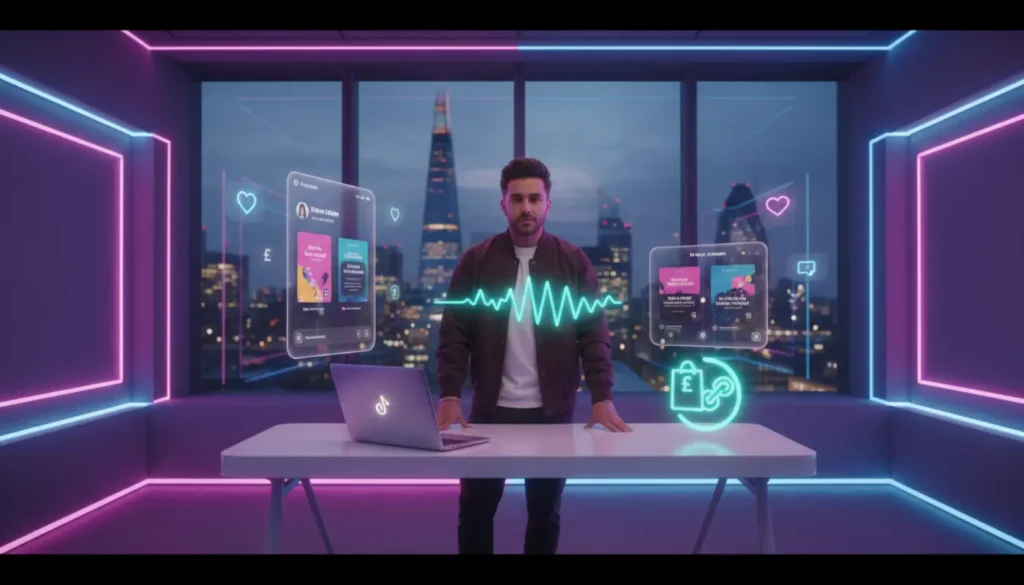
To multistream live shopping to social media, you run one live stream and send it to several platforms at the same time using streaming software or RTMP keys. This lets you sell products on TikTok, Instagram, YouTube, and Facebook in one session, helping you reach more people and drive more sales without repeating the same live.
Introduction
Live shopping has moved from a trend to a real sales channel, especially for UK ecommerce brands that want content and conversion in one place.
The challenge is not going live. It is scaling that live across multiple platforms without losing quality or control. Managing everything at once can feel messy at the start, and many first streams do not run smoothly.
With a clear multi stream setup, and support from experts like TSL Agency, one live session can become a strong multi channel sales engine.
What Multi stream Live Shopping Is And Why It Matters
Multi stream live shopping means broadcasting one live shopping event to several social platforms at the same time. Instead of choosing one channel, you go live on all of them together.
More platforms do not automatically mean more sales. If the offer is weak, multi streaming will not fix it.
Each platform has different user behaviour. TikTok drives discovery, Instagram builds trust, and YouTube holds attention for longer. Decide if your focus is reach or conversion, then build your stream around that goal.
According to Shopify, live shopping combines entertainment with instant buying, which often leads to higher conversion rates than normal product pages.
Which Platforms Support Live Shopping And Simulcasting
Platforms handle live shopping differently. Some offer built in shopping tools, while others need external setup.
TikTok Shop is leading for direct in app sales. If you are starting there, learn how to sell products on TikTok LIVE before expanding.
Instagram and Facebook support product tagging during live sessions. YouTube also allows product links during streams. For multistreaming, you usually connect these platforms using RTMP stream keys.
The Best Mult istream Setup For Live Shopping
A simple setup works best. Many brands overcomplicate this stage by trying to do too much too early.
Choose Your Primary Checkout Destination
Decide where the sale will happen. This could be TikTok Shop, your website, or another platform. Guide viewers clearly towards that action throughout the stream.
Connect Your Social Channels
Use a multistream tool that connects all your platforms in one place. This saves time and keeps control simple.
Configure RTMP Or Native Live Shopping Tools
RTMP means Real Time Messaging Protocol. It is the link between your streaming software and platforms like YouTube or Facebook. You enter a stream key and URL to go live. It sounds technical, but becomes easy with practice.
Test Your Stream Before Going Live
Testing prevents most problems. Skipping this step often leads to poor results.
- Check internet stability
- Test product links
- Confirm audio clarity
- Align stream titles
- Review lighting setup
- Assign moderation roles
- Prepare a backup device
How To Plan A Multistream Live Shopping Event
Multistreaming only works when the live is well planned. Without structure, more platforms create more confusion.
Select The Right Products
Focus on 5 to 10 products that are easy to show and explain. Too many choices reduce attention and lower conversions.
Pick The Best Host Or Co Host
The host drives the energy. They should be confident, quick, and able to respond in real time. If the host lacks energy, the stream will struggle.
Create A Live Shopping Script
Do not memorise lines. Build a clear flow opening hook, product demos, urgency moments, and a strong call to action. Structure matters more than perfection.
Promote The Event Across Channels
Build interest before going live. Use email, SMS, and social posts to bring viewers in early and create momentum.
Platform Specific Tips For Better Results
Each platform behaves differently, and adjusting your approach improves results.
TikTok works best with fast paced content and strong hooks. Instagram suits polished visuals and storytelling. YouTube allows longer, detailed product explanations.
Do not copy the same style everywhere. Small changes for each platform can make a big difference.
How To Keep Viewers Engaged During The Live Show
Engagement turns viewers into buyers. Without it, even a good setup will underperform.
Use Polls Q And A And Pinned Products
Interactive features keep viewers involved. Pinning products makes buying easier.
Add Urgency With Live Only Offers
Limited time offers push action. Without urgency, many viewers delay and do not return.
Respond To Comments In Real Time
Replying to comments builds trust and makes the stream feel real and active.
Common Multistream Live Shopping Mistakes To Avoid
Most problems are strategic, not technical.
Selling too hard without building engagement reduces trust. Ignoring platform differences weakens results across all channels.
Running multiple streams without moderation can create messy chats and reduce credibility.
What To Do After The Stream Ends
The work continues after the live. This is where extra value is created.
Send Follow Up Emails
Contact viewers with product links and reminders to capture missed sales.
Repurpose Clips Into Short Form Content
Turn key moments into short videos for TikTok, Instagram Reels, and YouTube Shorts to extend reach.
Review Performance Metrics
Check viewer numbers, engagement, and sales. Identify what worked and what did not.
Improvement comes from combining content insights with sales strategy. Learning TikTok LIVE selling strategies can help shape your next stream.
Final Checklist For Launching Your First Multistream Live Shopping Event
Before going live, make sure everything is ready. Multistreaming adds complexity, but a simple checklist keeps things clear.
Confirm your setup, test your stream, prepare your host, and align your product plan. Check all platforms are connected and your calls to action are clear.
Focus on execution, not perfection. Your first stream will not be flawless, and that is how you learn what works.
Frequently Asked Questions
Can you multistream live shopping without special software?
No, not effectively. Most platforms need a tool or RTMP setup to stream to multiple channels at once.
Which platform is best for live shopping in the UK?
TikTok Shop leads for direct sales, but combining it with Instagram and YouTube improves reach.
Do all platforms support product tagging during live streams?
No, features vary. TikTok, Instagram, and YouTube support shopping, but setup is different on each.
How long should a live shopping stream be?
Around 30 to 60 minutes works well depending on your products and engagement.
Is multistreaming worth it for small brands?
Yes, if done properly. It helps increase visibility and test multiple platforms without creating separate content.