TikTok LIVE Production Checklist Before During And After
Most brands do not struggle with going live on TikTok. They struggle with doing it well, every single time.
You might have a strong host one day, solid sales the next, and then a drop the day after. It is frustrating when the effort is there but results are inconsistent. This is not a content issue. It is a process issue.
Without a clear TikTok LIVE production workflow, you rely on luck instead of systems. That is where most LIVE commerce setups fall apart. A structured approach, like the one built by a TikTok Shop Live Agency, turns scattered effort into consistent performance.
Why TikTok LIVE Production Checklist Matters
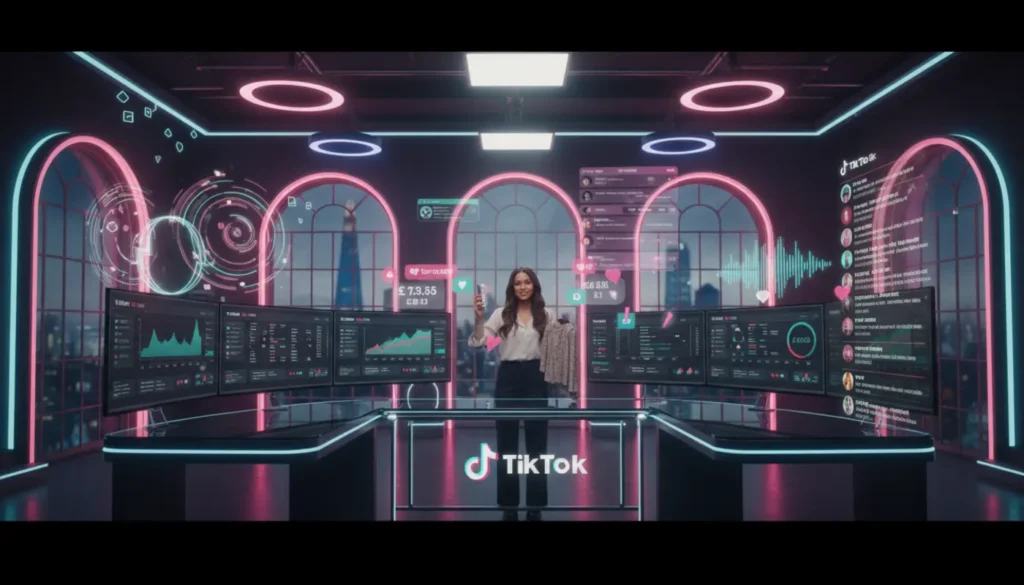
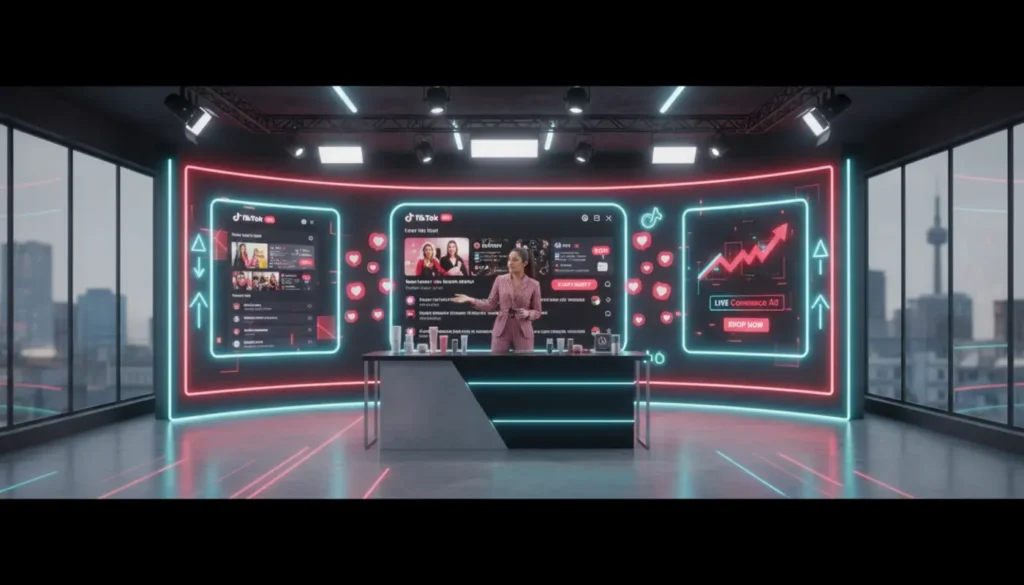
TikTok LIVE is not just content. It is a real time sales environment where brand, product and performance all come together.
According to industry insights on TikTok for business, LIVE content drives stronger engagement and faster buying decisions than standard posts. But this only works when execution is tight.
Without a checklist, common issues show up. Product pins get missed. Discount codes fail. Hosts go off track. No one owns key moments.
A proper TikTok LIVE production process fixes this. It brings structure and repeatability. That is what turns LIVE into a reliable revenue channel.
The Core TikTok LIVE Production Team
You do not need a large team, but you do need clear roles.
- Host drives sales
- Producer runs the show
- Moderator manages chat
- Tech handles setup
- Commerce tracks sales
- Runner supports logistics
- Analyst reviews data
A basic setup can run with a host and moderator. But for growth, adding a producer and someone managing products in real time makes a big difference.
This is how teams using TikTok LIVE studio services operate. Clear roles, no confusion, better results.
48 Hours Before Strategy And Planning
This is where most of the real work happens.
If this stage is weak, the LIVE will feel rushed and reactive.
Define Objectives And KPIs
Start with clear goals. Are you aiming for sales, stock clearance or audience growth?
Focus on two or three key metrics such as GMV, conversion rate and average order value.
Lock Products And Offers
Decide your main products early.
Confirm bundles, discounts and pricing before the LIVE. This avoids hesitation during the show.
Build A Run Of Show
This is your working script.
Include timing, product order, key points and offer moments. For a deeper breakdown, see how to structure a TikTok LIVE show that converts.
Brief Your Team
Everyone should know their role.
The host needs talking points. The moderator needs response guides. The producer controls timing and flow.
24 Hours Before Setup And Technical Checks
Now the focus shifts to execution.
Check TikTok Shop Integration
Make sure all products are linked and visible.
Test product pins and checkout flow. Any issue here will affect sales immediately.
Prepare Your Setup
Check camera, lighting, audio and internet.
Clear visuals and good sound build trust and keep viewers engaged.
Create Visual Assets
Prepare overlays, timers and product labels.
These help guide viewers and improve urgency during key moments.
2 Hours Before Final Checks
This is your final review before going live.
Test audio, camera framing, internet and product pins. Confirm discount codes work and stock levels are correct.
Make sure your team has a clear communication channel such as WhatsApp or Slack.
If a major issue appears, delay the session. It is better than running a broken LIVE.
During The Show Execution And Control
This is where your workflow is tested.
Host Performance And Flow
The host follows a clear structure.
Start with a strong opening, explain the product, push the offer and repeat clear calls to action.
Live Moderation
The moderator supports the host and audience.
They answer questions, manage comments and highlight key messages. For high volume sessions, review managing TikTok LIVE comments.
Managing Flash Deals
Flash deals should be planned in advance.
Assign one person to activate deals, pin products and signal the host. Always have a backup plan if something fails.
Real Time Adjustments
The producer monitors performance.
Extend high performing products and move on quickly if engagement drops.
After The Show Wrap And Capture
Do not stop working when the LIVE ends.
Save And Organise The Recording
Store the recording properly with clear labels.
This content can be reused later.
Clip Key Moments
Find strong segments and turn them into short videos.
These clips can support future content and ads.
Within 24 Hours Post LIVE Analysis
This is where improvement happens.
Build A Standard Report
Track views, watch time, conversions and product performance.
Combine TikTok data with shop data for better insight.
Run A Team Debrief
Review what worked and what did not.
Keep it honest and practical.
Update Your Workflow
Refine your process after every session.
Adjust scripts, product choices and timing based on real data.
When To Move To A Managed TikTok LIVE Studio
You can build this in house.
But as you scale, complexity increases.
Running multiple shows each week across different products can become difficult to manage.
A TikTok Shop Live Agency like TSL Agency provides a tested system. From planning to reporting, everything is structured.
This allows you to focus on growth instead of fixing problems.
Frequently Asked Questions
What needs to happen in the 48 hours before a TikTok LIVE show?
Lock products, confirm offers, build your run of show, brief your team and check your setup.
What is the minimum team size needed to run a professional TikTok LIVE?
A host and moderator is enough to start, but adding a producer improves control.
What should I check immediately before going live on TikTok?
Test audio, video, internet, product pins and discount codes. Confirm team communication is active.
How do I manage a flash deal during a live show without mistakes?
Plan it in advance, assign one operator and prepare a backup plan.
What should I do with the recording after a TikTok LIVE ends?
Save it, label it and reuse key clips for content and ads.
What post LIVE analysis should I run after every session?
Review performance data, sales and engagement, then run a team debrief to improve the next show.